Search Results
Results from a property search will appear in the results window on the right and on the map.
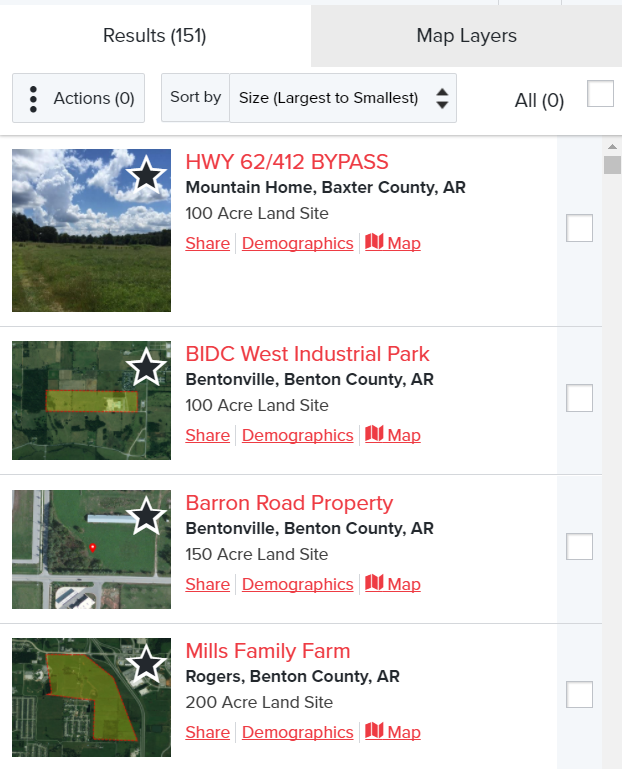
Several actions may be taken from the Results Window.
- View the property flyer by clicking on the Property Name.
- Click the Star to favorite a property. Note: If you are not already registered, you will be prompted to register.
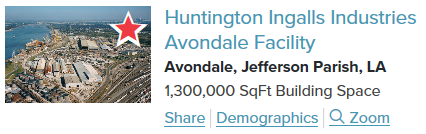
- Click on Share to email or share to social media.
- Select Demographics to run demographic reports around the property.
- Zoom to the property by selecting Zoom to.
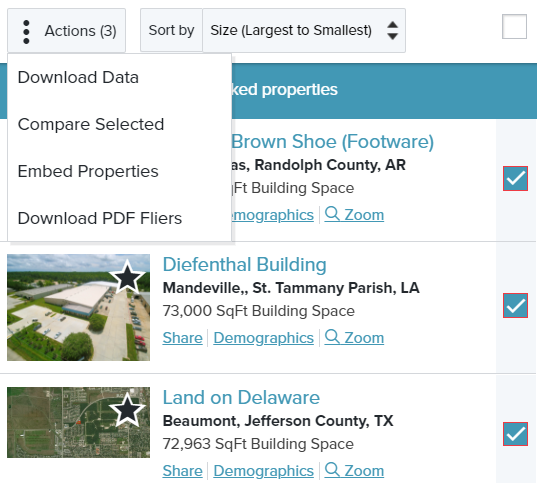
- Check the box to the right to select properties to be highlighted on the map and preform actions on multiple properties, such as: Download Data, Compare Selected, Embed Properties, Download PDF Fliers.